How to create course videos that teach one useful thing at a time
A practical course-video workflow: choose a learning outcome, turn your expertise into an animated lesson, add practice, and publish a reusable module.
Read the guideTurn what you know into lessons people can follow. Practical guides, useful tools and clear examples for your next course video.
For course creators, teachers & people with something to teach.
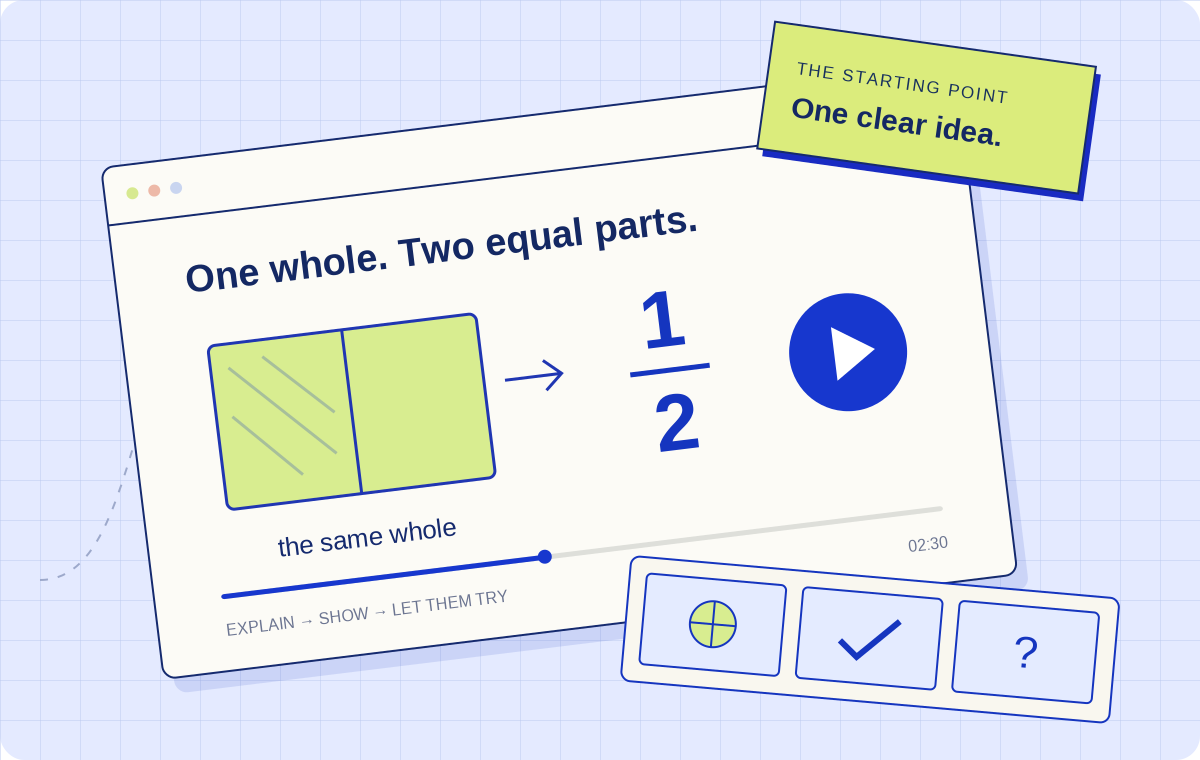
One audience. One useful outcome.
Explain it with an example they can see.
Turn watching into a next step.
A complete starting point, whether you have a blank page, a course outline or a folder full of notes.
A practical course-video workflow: choose a learning outcome, turn your expertise into an animated lesson, add practice, and publish a reusable module.
Read the starting guide A GOOD PLACE TO BEGIN ↗
From your first outline to your final video. Find the guide for the thing you’re making next.
A practical course-video workflow: choose a learning outcome, turn your expertise into an animated lesson, add practice, and publish a reusable module.
Read the guideUse the notes, PDFs, and lesson documents you already have to create a focused video, with a concrete source packet and reusable prompt.
Read the guideWrite narration that explains a concept, works through an example, and gives learners a task. Includes a reusable script structure and Golpo workflow.
Read the guideCreate course whiteboard videos with diagrams, worked examples, and precise narration. Compare Golpo, VideoScribe, and screen-recording workflows.
Read the guideBuild short course videos around one skill, one worked example, and one practice task. Includes a graph-reading example and reusable Golpo brief.
Read the guideCompare Golpo, Camtasia, Loom, Canva, Synthesia and Descript by course workflow, with a practical selection rubric and a sample lesson brief.
Read the guideTurn one original practice question into a clear revision video, with a checked solution, a reusable Golpo prompt and tools for recording alternatives.
Read the guideCreate a teacher-led video lesson with Golpo, a worked evaporation example, a reusable prompt and practical alternatives from Canva and Loom.
Read the guideUse animation to explain the idea and real screen footage to teach the clicks, with a Golpo workflow, sample spreadsheet lesson and tool comparison.
Read the guideCreate language editions of a course lesson with Golpo, preserve terminology and examples, and compare alternatives for translation, captions and presenter videos.
Read the guideTry a broader phrase, or .
10 guides to explore
Match the tool to the lesson: animation for concepts, screen recording for exact steps, and presentations for structured ideas.
See the full comparisonTurn an idea into an illustrated lesson.
Start from a prompt, script, source document or your own narration.
Show the exact on-screen action.
A useful fit for recording and editing software demonstrations.
Record a quick walkthrough.
Useful when learners need to see you work through the real interface.
Build a lesson around slides.
A familiar route for designed slides and presentation-led video.
Turn your topic, audience and learning goal into a ready-to-copy course video brief. Give your next lesson a clearer starting point.
Build my lesson briefEach guide brings together a clear workflow, a worked example and something useful to try. Explore the tools, adapt the templates and make the lesson your own. Read how we choose tools and write guides.